
Get started with Manasatak
Your idea deserves a platform with your name on it.
A physical, academic, or digital services store. Create your account and then choose the type and time of the project from the admin panel.
Go to Create Account- Clear steps to prepare your project
- Full control of identity, pages and customer experience
- Separate permissions for your team and customers
- Flexible structure for local and regional expansion
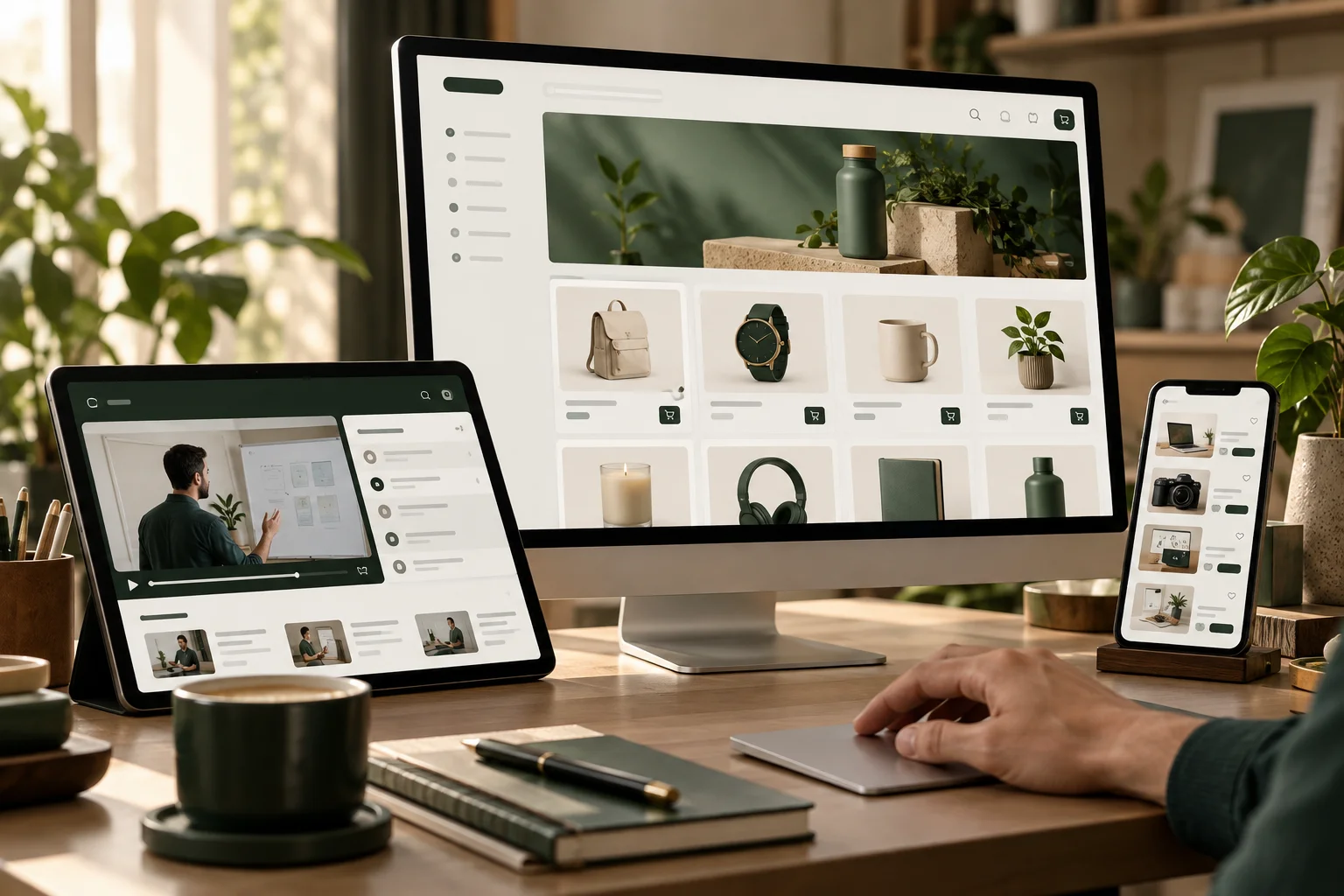
Your identity, in every detail.From the first template to an integrated customer experience
01 Start Your Project
Create a project owner account
Few statements, and a clear start to your project.
Already have an account?Log in
Your account request is reviewed before it is activated. Creating an account does not automatically activate a paid subscription.
After registration
Clear steps, from day one.
- 01
Activate your account
After reviewing the application, go to the project owner’s panel.
- 02
Choose your platform type
A product store, educational academy, or digital service store.
- 03
Prepare and deploy
Customize the template, add your content, and select your package before launch.